
Interview Notes in Stafftrak
The Interview notes area in Stafftrak has been updated.
To add a new Interview Note go to the worker’s Person file and click the Add Note Button in the Interview Notes area.
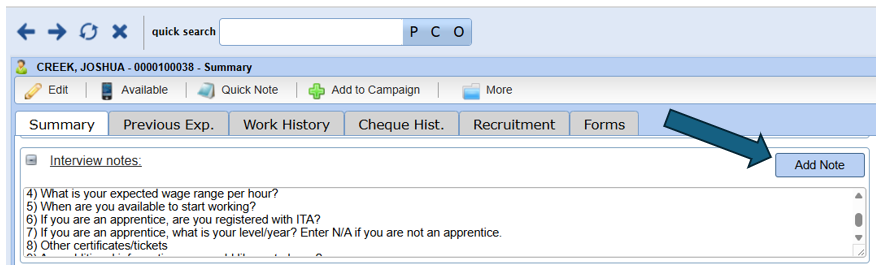
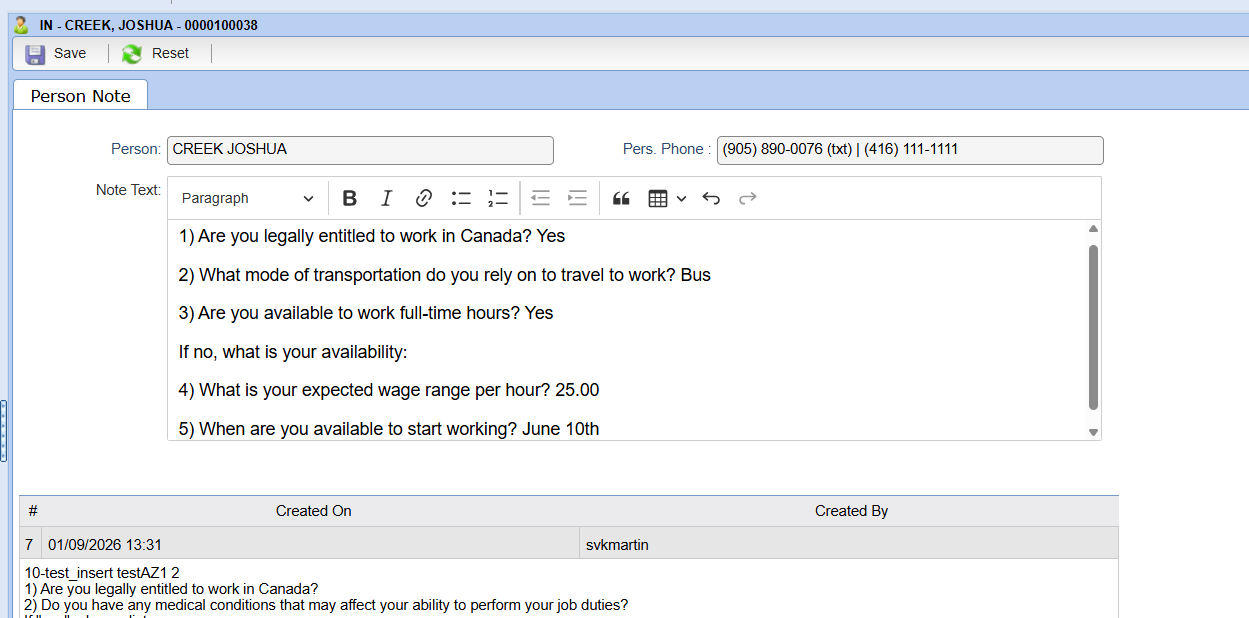
A new screen will open where all previous Interview notes will appear at the bottom of the page, and an open text field will appear at the top so you can add your new Interview notes.
- If you have Pre-programmed Interview questions, they will appear in the Note Text field
- If you don’t have Pre-Programmed Interview questions the field will be blank
- Type your notes or paste your notes in the Note Text field
- Click Save when you are done
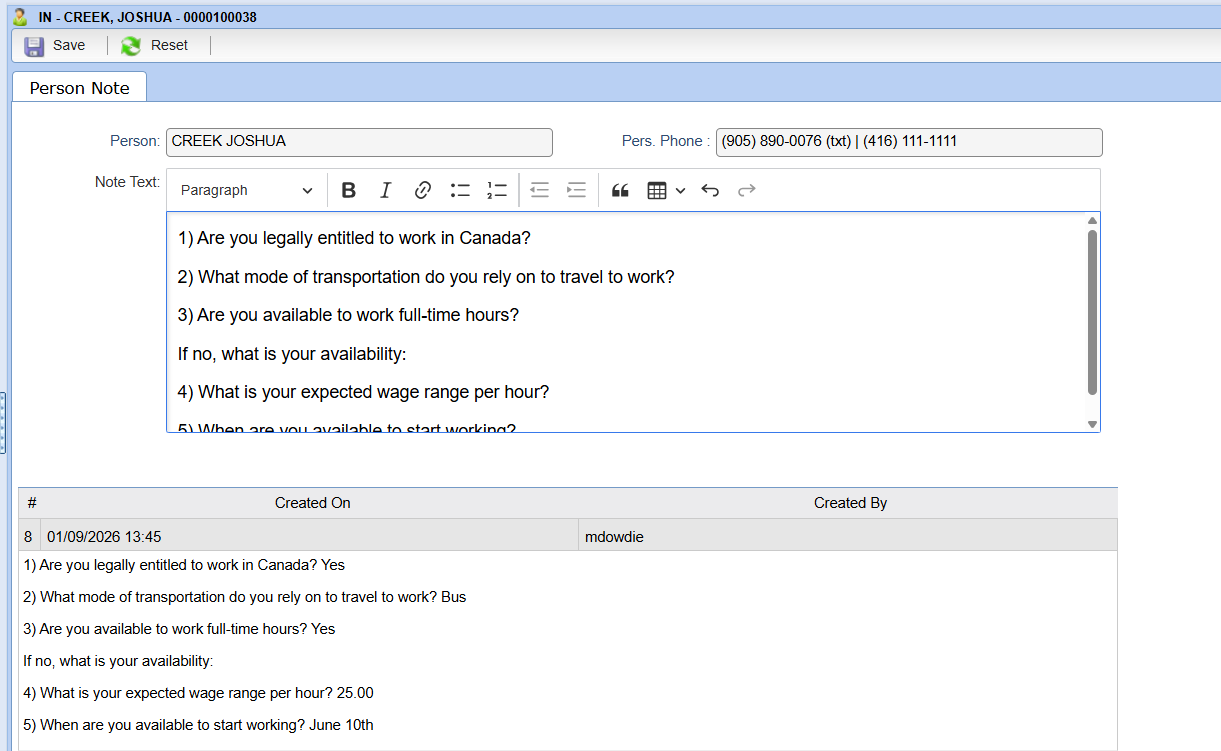
Your New Note will be added with a date/time stamp showing when it was created
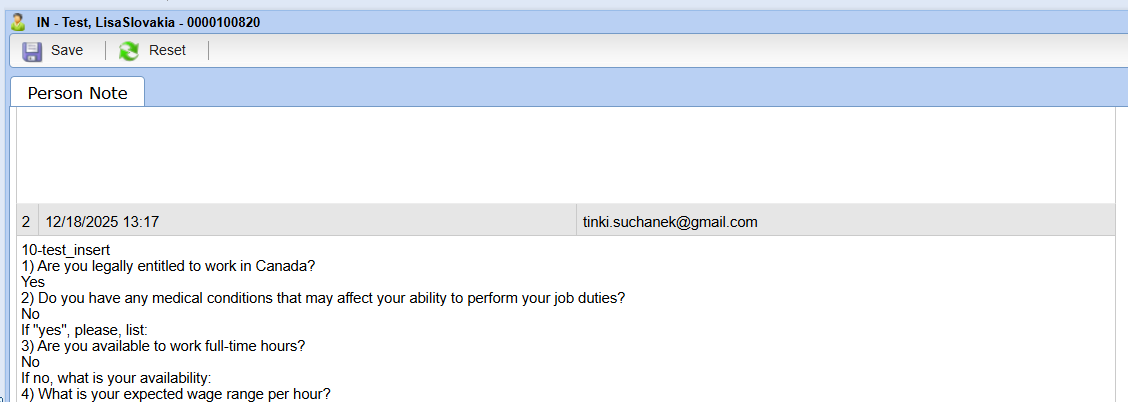
If you have Pre-Interview questions set up in your Online Job registration, Application Detail or Employee Portal link the notes will also appear on the Interview screen as well.
In this case the Created By will be the applicant’s email address.
This change will make it easier to separate Interviews based on date and ensure that information is kept for the required 3-year retention period.